

Create your first site and publish content
This walkthrough uses the CMS admin and public read API, not a detached backend. The example model article, field title, slug hello and hostname www.example.com are illustrative. Use the values you create in place of these examples.
1. Install and claim the administrator
Section titled “1. Install and claim the administrator”Complete installation. Open the one-time administrator claim link and set your password. Keep deployment credentials outside content and screenshots. On a local seeded rig, follow the repository setup instead. Do not treat local fixture credentials as production accounts.
2. Create or select the site
Section titled “2. Create or select the site”When you create a site, choose Website or Blog. The choice cannot be changed later. A Blog gets one starter Post model and a Posts screen; see Blog sites. This walkthrough uses a Website.
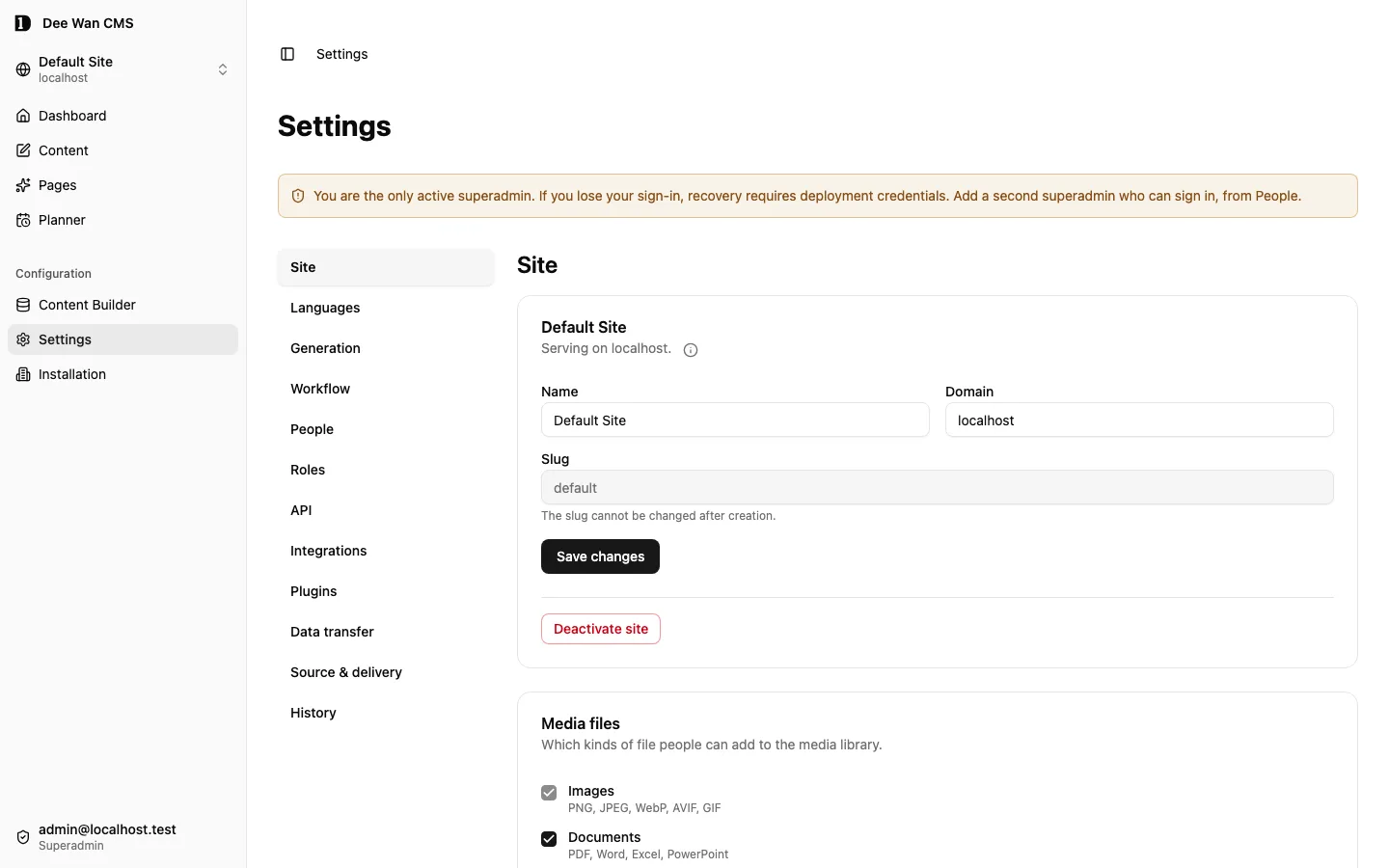
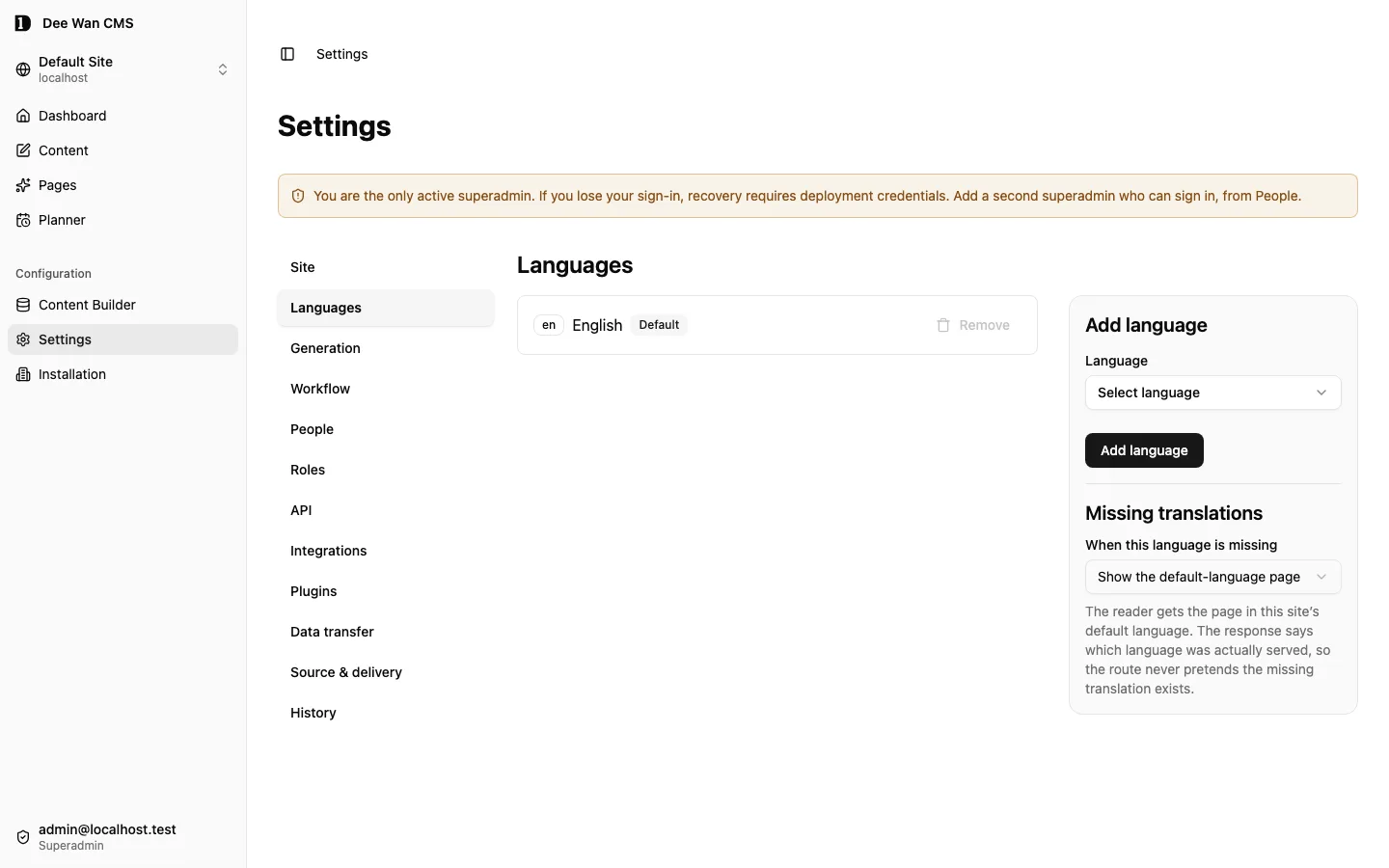
Select the intended site before editing. Set its public hostname and languages in site settings. Choose a default language and strict or fallback locale policy. The selected site determines the scope of admin requests. The public Worker resolves the site by the request hostname. A raw Worker hostname is not automatically your site’s hostname.
3. Define an Article model
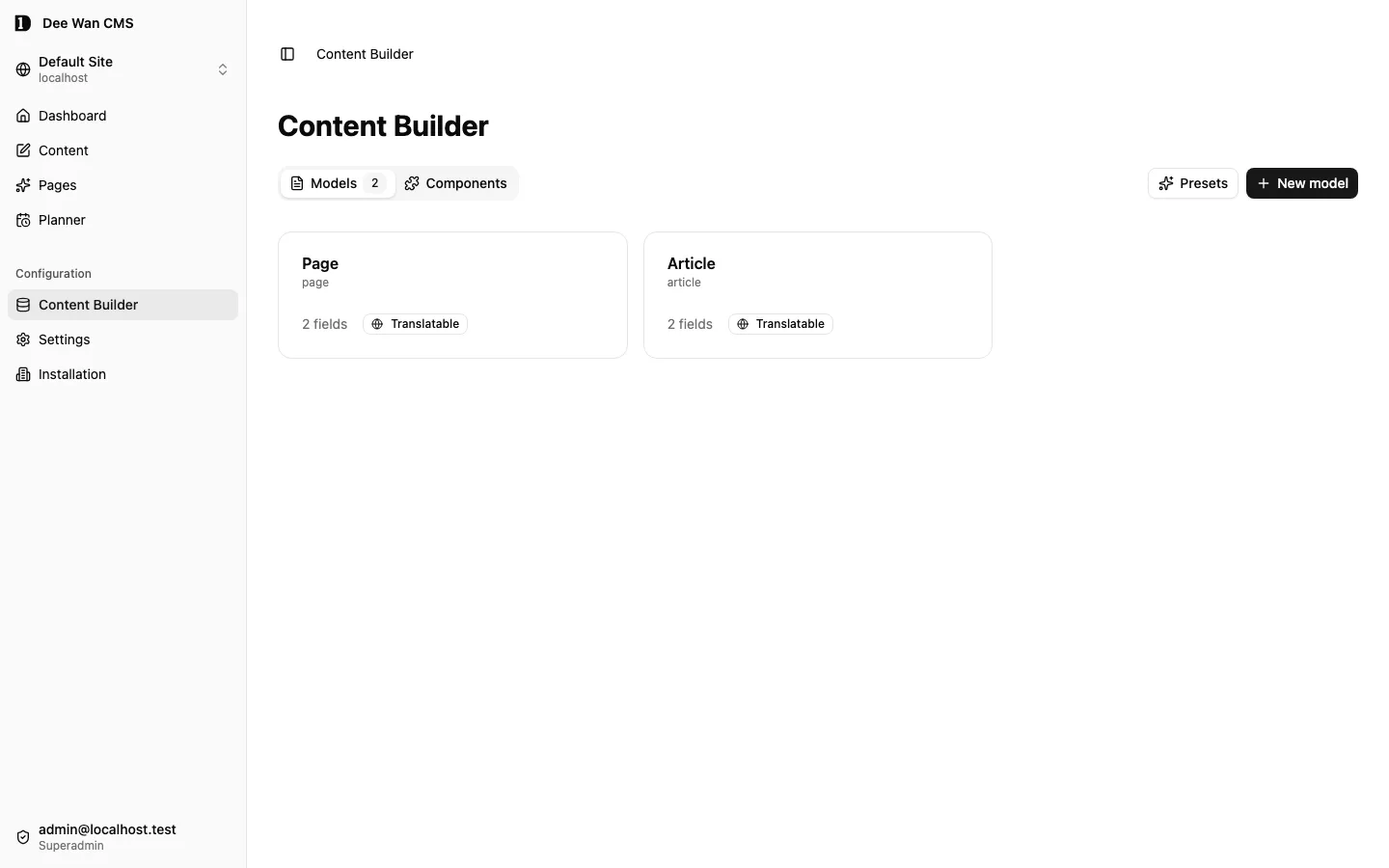
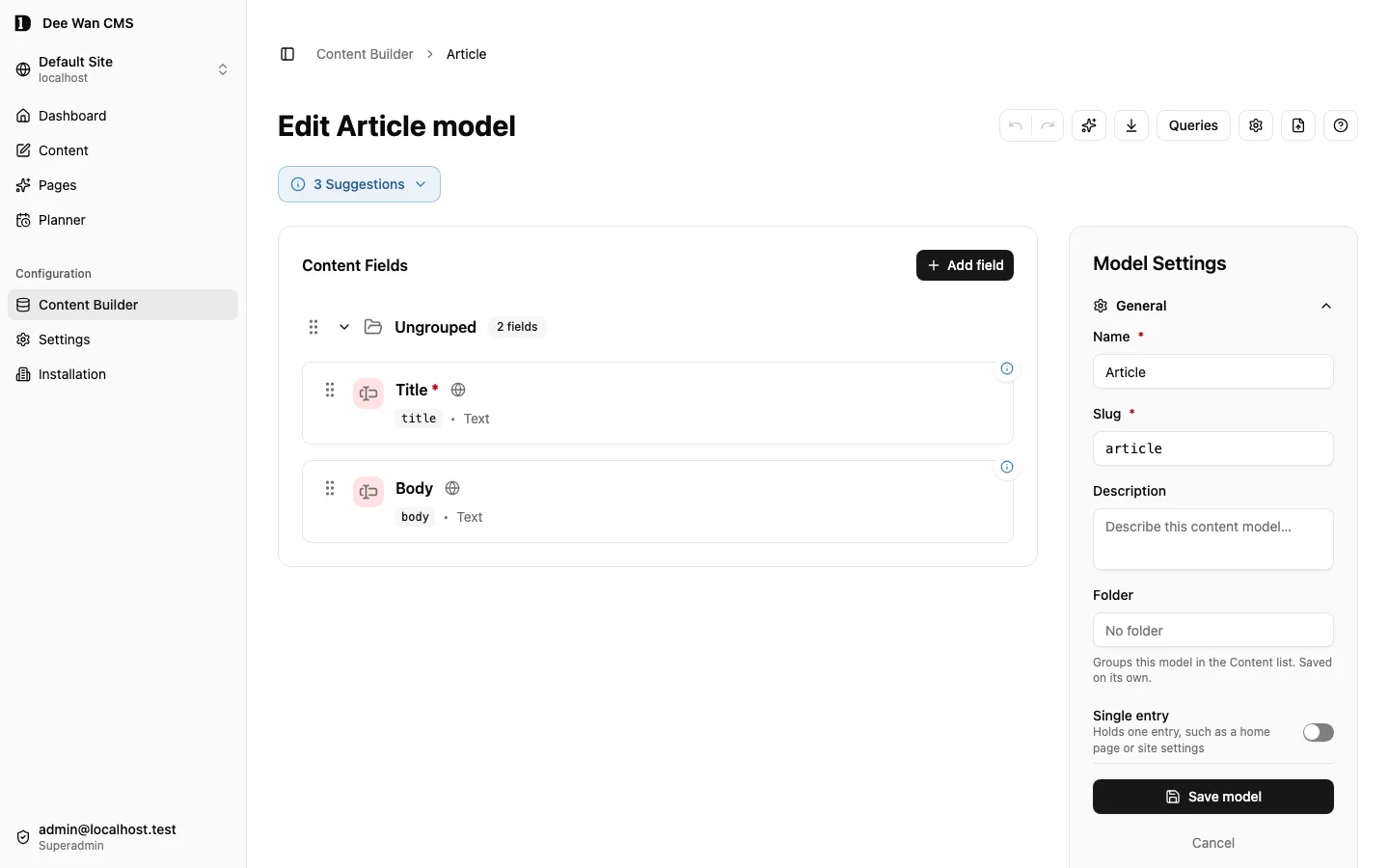
Section titled “3. Define an Article model”In the model builder, create article, add a required text field title, and apply the model. Review every breaking-change warning before confirming. Choose public visibility only for information meant to be public. The field reference explains relations, media and components. Creating an Article model does not automatically create a rendered web page.
4. Save and review content
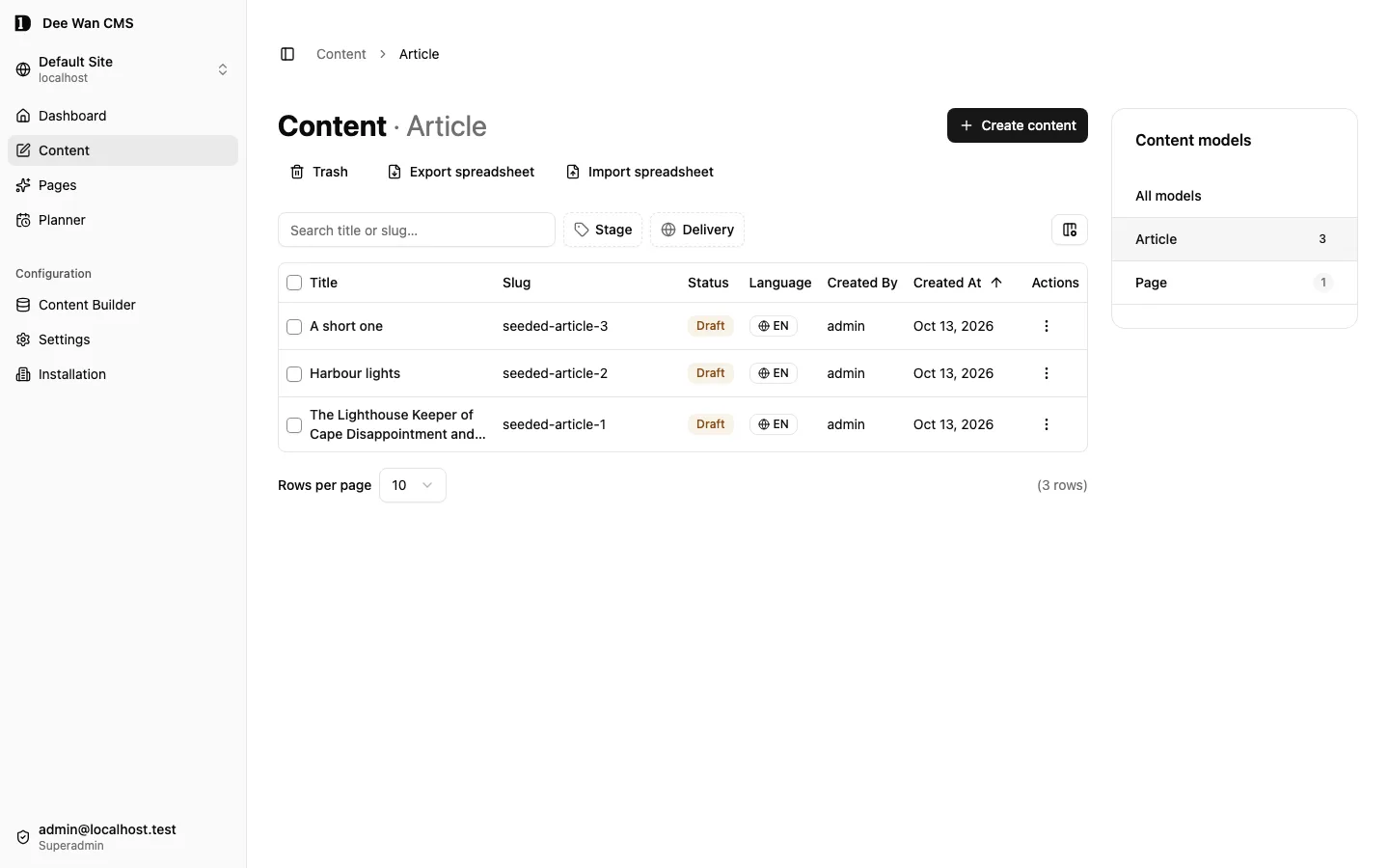
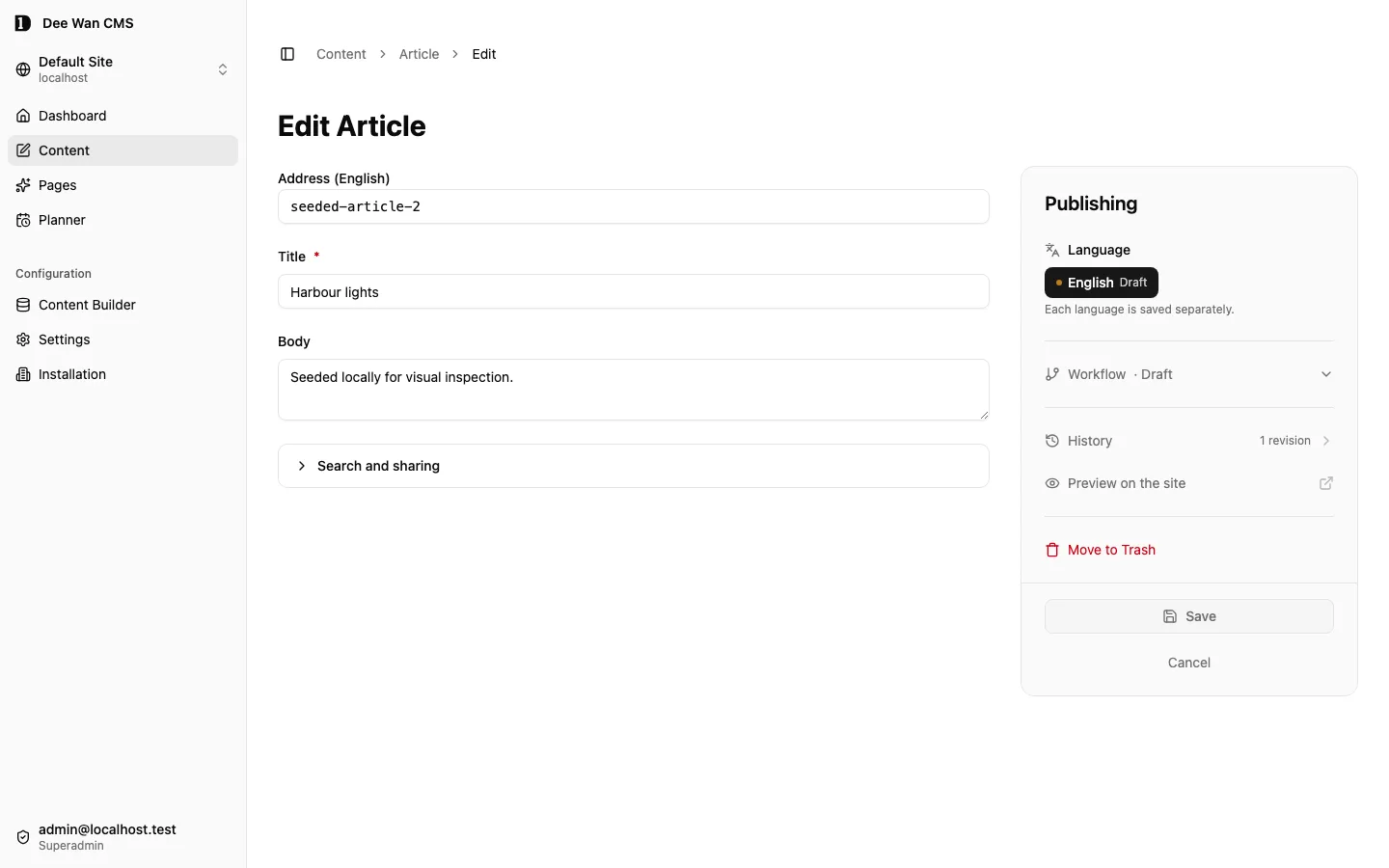
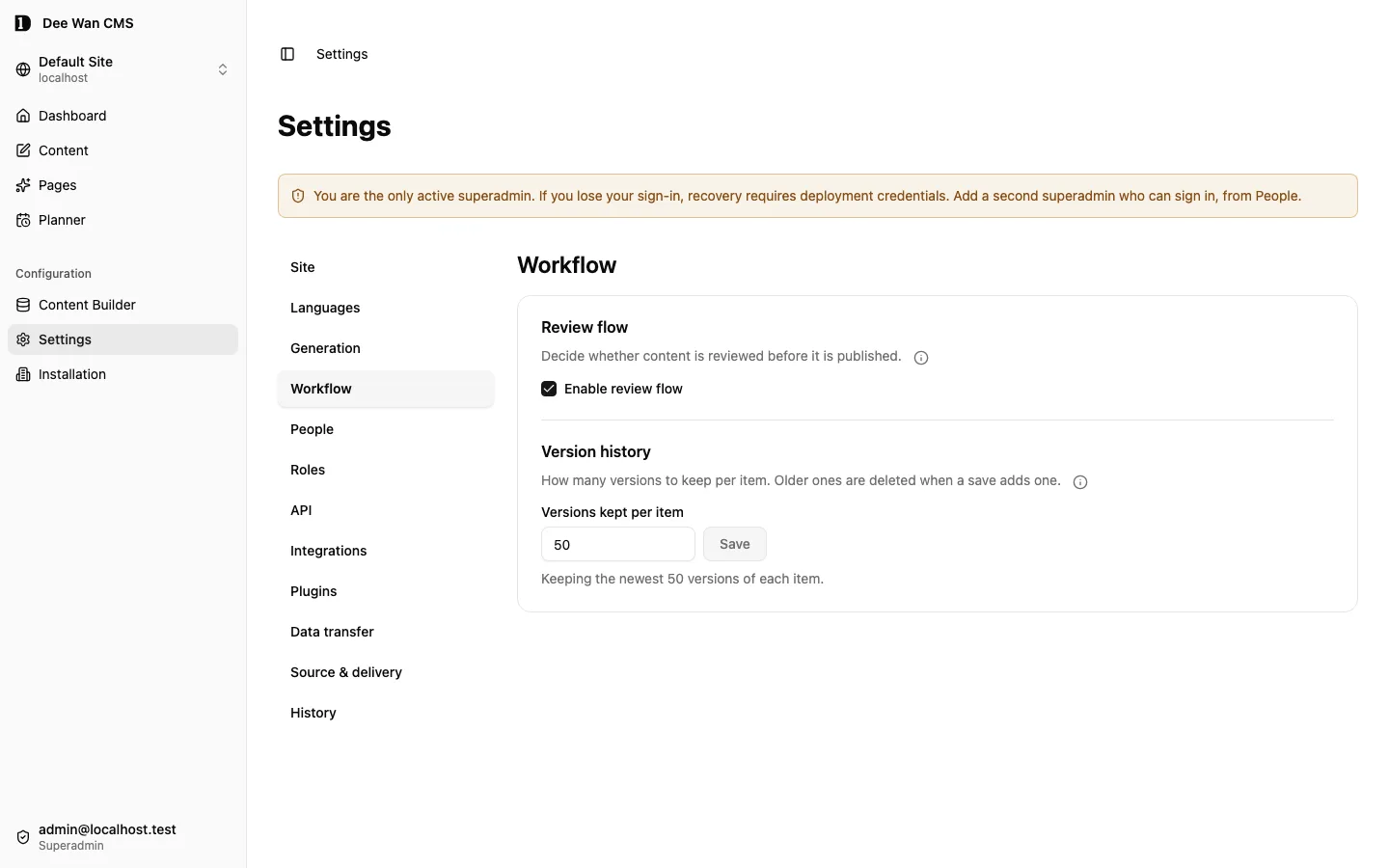
Section titled “4. Save and review content”Open Content, choose the model, create an item in the intended language, enter its title and set the slug to hello. Save the draft. Saving is not publishing. Reopen it to confirm that it was saved. With review mode enabled, submit it through the displayed workflow and have an authorized reviewer approve it. Do not bypass a refused transition.
5. Publish and verify
Section titled “5. Publish and verify”Use a role with publishing permission and select the available publish transition. From a server or terminal, request the site’s public hostname:
curl --fail --silent --show-error 'https://www.example.com/v1/article/hello?locale=en'A successful response contains the published item under data. Draft-only items are not public. A missing host, private model, unavailable locale or missing published slug can produce 404. Read the public API refusals before changing visibility or access to fix a failure.
6. Connect a renderer and confirm withdrawal
Section titled “6. Connect a renderer and confirm withdrawal”Connect your frontend using the generated client and preview guide. Rendered websites need their own build and deployment. Publishing a CMS record alone is not proof of a deployed page. Unpublish a disposable example and verify it disappears from public reads and, after a successful rebuild, from search. A failed search crawl must not replace the previous live index.
Next step: choose how the site runs
Section titled “Next step: choose how the site runs”Everyday use needs no extra setup. The CMS keeps serving your content while you edit and publish. Continue with the page builder, Blog, models and fields and people and access.
A standalone backend is optional. Choose it only when you want your own repository with a generated API Worker, database and deployment. It is generated from an existing site, so you can decide later. See what Dee Wan generates.
Start with an editable Astro website
Section titled “Start with an editable Astro website”From the repository root, generate the maintained reference starter into a new or empty directory:
npm run reference:starter -- --out ../my-website --config ./starter-config.jsoncd ../my-websitenpm cinpm run checknpm run buildnpm run preview -- --port 4321Use the Node version in .nvmrc. Create starter-config.json before running the command:
{ "site_id": "YOUR_SITE_ID", "canonical_origin": "https://YOUR_PUBLIC_CMS_HOST", "routes": { "format": 1, "routes": [{ "model": "YOUR_PAGE_MODEL", "path": "/{locale}/{slug}" }] }}Replace the uppercase values with your site’s actual ID, public API origin and page-model slug. The API origin’s hostname must match the site’s configured domain: public reads select a site by hostname, not by site_id. Each route needs {slug}; include {locale} for language-prefixed addresses. For a Blog, also set "blog": true. For a local CMS, set "local": true, use an explicit loopback API origin, and configure the site’s domain to match that hostname, such as 127.0.0.1. Run the website on a different port. Unknown configuration fields are refused.
The starter includes pinned dependencies and a lockfile, Astro source, Wrangler configuration and the current page-contract and renderer-protocol compatibility record. Edit src/template/ for layout and styling; run npm run dev -- --port 4321 while editing. Its runtime uses the existing public API for published content, media, forms and search. Alternate-language links use actual published addresses. SEO and supported rich blocks use the same renderer as managed delivery and preview. No CMS management token, database or plugin server is included.
Forms submit to the website’s registered public interaction endpoint. The portable runtime forwards the bounded submission to the configured CMS origin; the CMS retains and delivers it through the existing form service. Browser submissions must originate from that website. No management credentials are forwarded.
You own the emitted source. When updating the CMS, generate a fresh starter elsewhere and merge its maintained runtime and contract files together, preserving your template changes. The generator refuses to overwrite an existing website. This starter reads live CMS content; standalone delivery separately exports a backend and content snapshot. A local build does not deploy the website or prove provider acceptance.
Reference website: reproduce it locally
Section titled “Reference website: reproduce it locally”The repository ships a fictional reference website, Meridian Review. It is a fixed selection from the seed corpus (scripts/seed-corpus/reference-site.ts): English and German, three translated Blog posts with a cover picture, and one composed page with rich sections and three pictures. Nothing in it describes a real organisation.
One test builds it end to end on a fresh database. From backend/, with the Node version in .nvmrc:
DEEWAN_SITE_BUILD=1 npx vitest run test/reference-site-acceptance.test.ts --maxWorkers=1 --no-file-parallelismIt installs the site’s dependencies and runs a real build, so it takes a few minutes and needs the machine to be otherwise idle. It listens on ports 43261 to 43263; set DEEWAN_SITE_BUILD_REFERENCE_PORT to move them. Without DEEWAN_SITE_BUILD=1 it is skipped, and a skipped test proves nothing.
In order, it:
- creates the site from the repository migrations, with both languages, the Blog and the page model;
- uploads the pictures, creates and publishes the posts and the page;
- mints a saved preview link for a draft and checks that only that link opens it;
- generates the site, builds it and serves it with Wrangler;
- checks the localized page and post addresses, the rich content and the pictures in the built output;
- adds a model field, publishes a post, renames the page and regenerates over the same destination, then checks that the file you own is byte for byte unchanged, that a migration was appended and that no applied migration was rewritten;
- rebuilds and checks that the renamed page now serves;
- publishes a wrong edit, restores the earlier version, and checks the Blog serves the original;
- takes a SQLite backup copy of the database and checks that generating from the copy gives the same site data, ignoring creation and update times.
This test checks recovery by restoring a saved version and by generating a site from a database backup copy. The repository has no one-command restore; see backup and restore.
This is local evidence only. Deployed acceptance of the reference website is pending authority and has not been run: it needs a Cloudflare account (Workers, D1, R2), a GitHub repository, and a hostname, and it includes a provider restore. Pictures in the local run go to a recording bucket, not to R2. Do not read a passing local run as proof of a deployment.
Unreleased / pre-MVP; no stable version
Source revision: fe23db481c422b40e317b92fc98116b4c0c26a87 (modified checkout)
Build date (UTC): 2026-10-18T09:22:34.630Z
Upgrade target: unavailable: modified checkout. Release notes